Email builder features
Your next great email starts here.
An idea, a template, a few thoughtful changes. Bring them together in a visual editor built for making emails your own, then doing it all again next time.
3 saved designs. Free exports. No credit card.
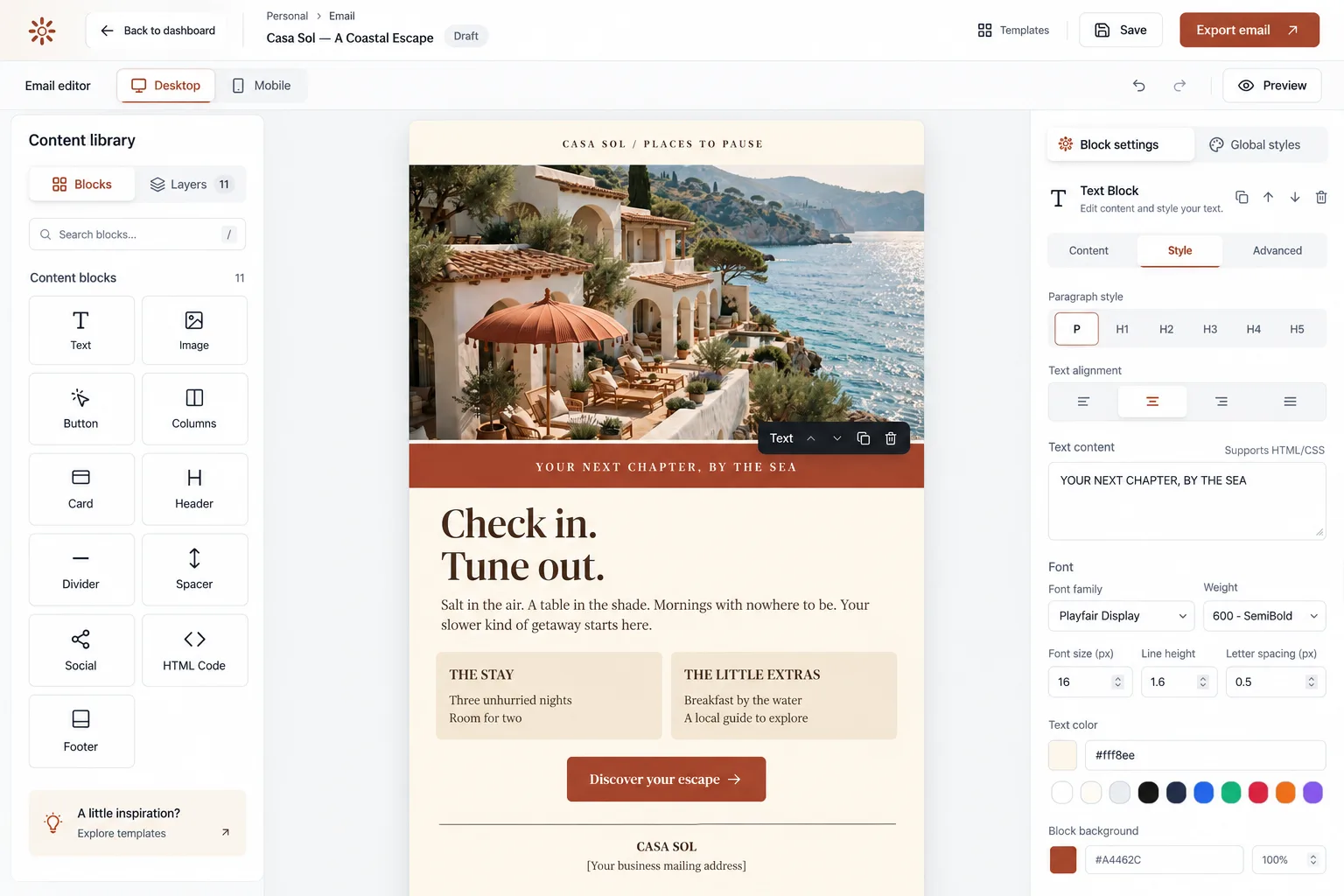
Visual editing · Included on Free
A starting point. Not a set of rules.
Choose from 55+ email templates or start with a blank page. Keep the parts you love, change the rest, and build a layout around what you want to say.
- Set your fonts, colors, and overall layout in Global Styles.
- Add, move, and duplicate sections with 11 content block types.
- Save a design, then duplicate it for your next campaign.
- Text
- Image
- Button
- Columns
- Card
- Header
- Divider
- Spacer
- Social
- HTML Code
- Footer
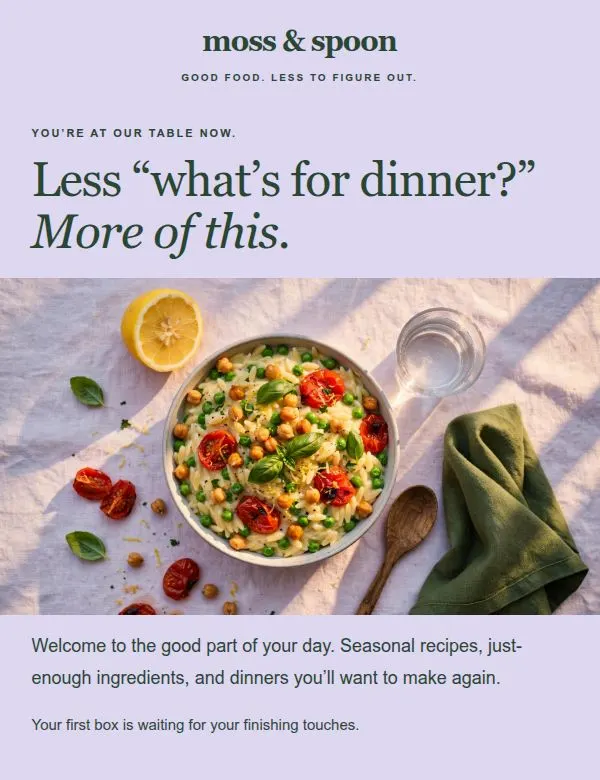
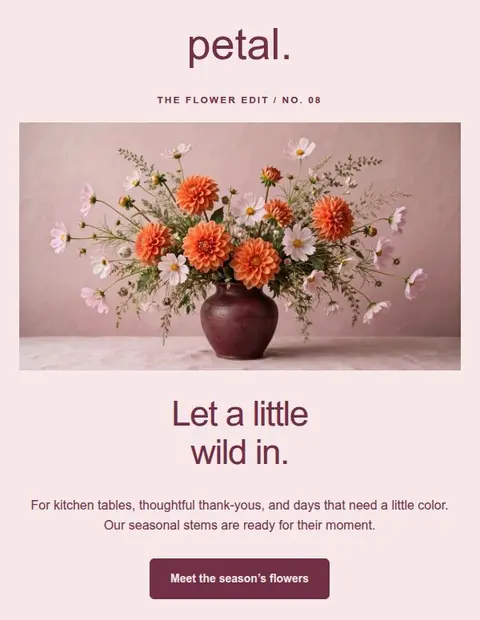
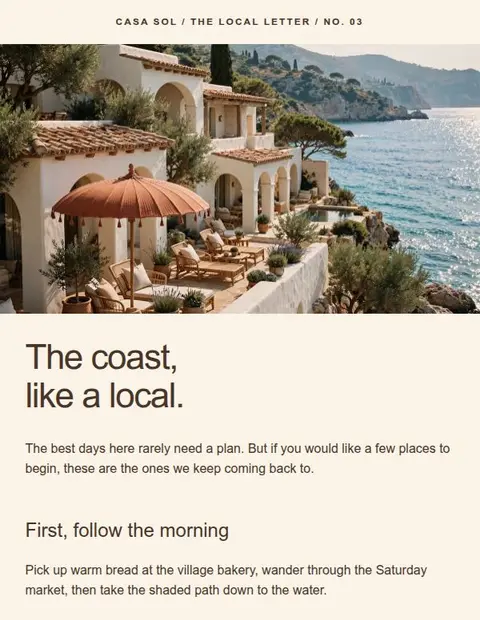
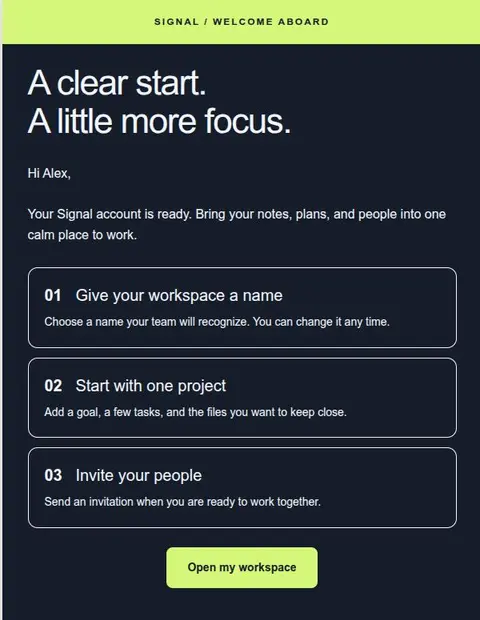
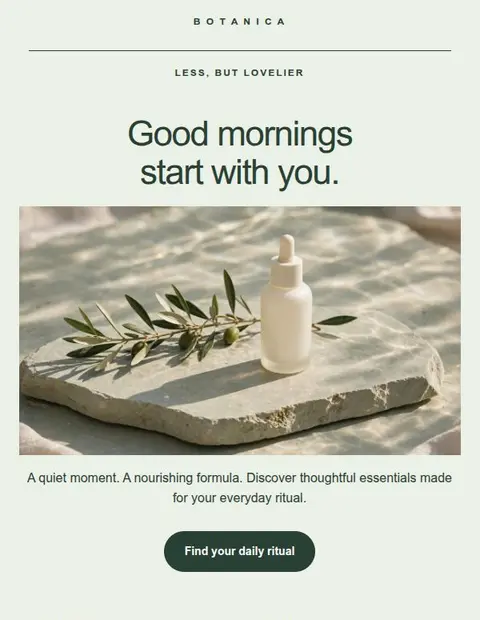
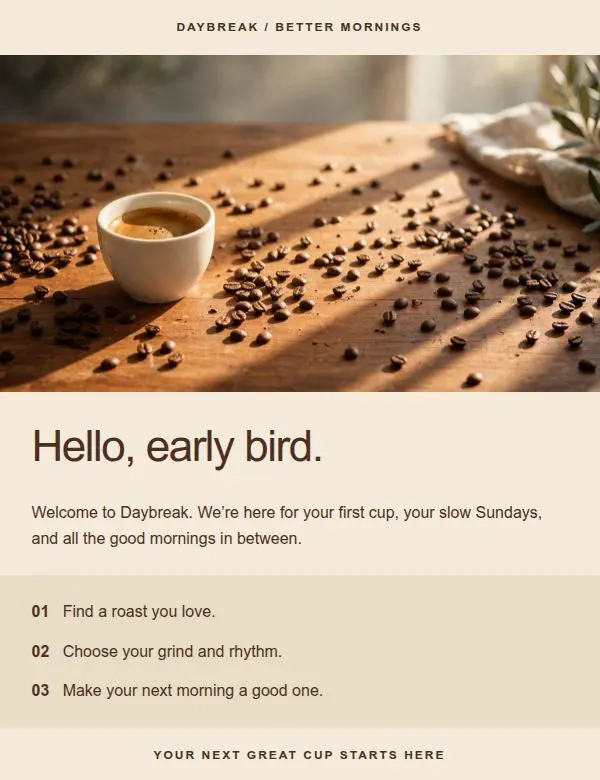 Original · DaybreakCustomized · Moss & Spoon
Same starting point. A whole new personality.See the transformations
Mobile preview · Included on Free
Good on a big screen. Clear on a small one.
Switch between desktop and phone views as you design. Catch a long headline, check a button, and see how your columns stack before you export.
Desktop · 600 px wide
Layout illustration. Check a received test email too, since inboxes can display designs differently.
Explore responsive email designAI assistants · Creator & Pro
A little help finding the words. And the image.
Keep your creative momentum. Draft copy or generate an image for the section you’re editing, then choose what to keep and make the result your own.
“Write a warm welcome for a new subscriber. Keep it short, friendly, and a little playful.”
“A sunlit coastal terrace, soft linen, and a quiet sea view. Warm, natural photography.”
AI works on individual text and image sections. You choose the layout and give the final design your finishing touch.
Every export included on Free
Your design. Ready for its next stop.
Make the email in Lettershape, then take it to the tool you already use. Download a file or copy your design, with step-by-step instructions in the export menu.
Your sending service handles subscribers, delivery, and campaign results. Some services require a paid plan to import custom HTML.
Explore all email export optionsSave, download, and reuse your designs on every plan.
Start with the full design toolkit
Everything here starts with Free. Add AI when you’re ready.
All templates, visual editing, mobile previews, and every export format are included with your 3 free saved designs. Creator and Pro add more saved designs and AI writing and images.
Find the right planStart with the Free plan
Make something you’ll be glad to send.
Choose a template, add your brand, and make something you’ll be glad to send. Create an account and verify your email to get started.
Save up to 3 designs. No credit card required.