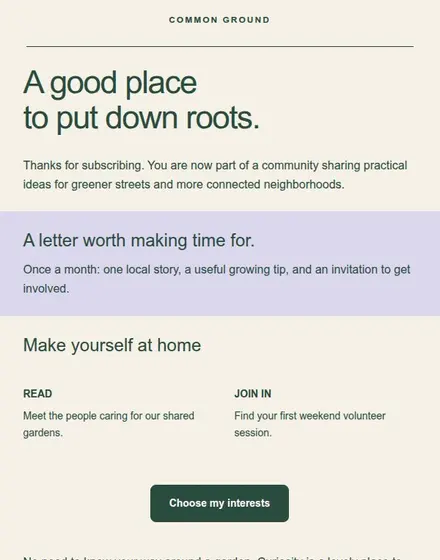
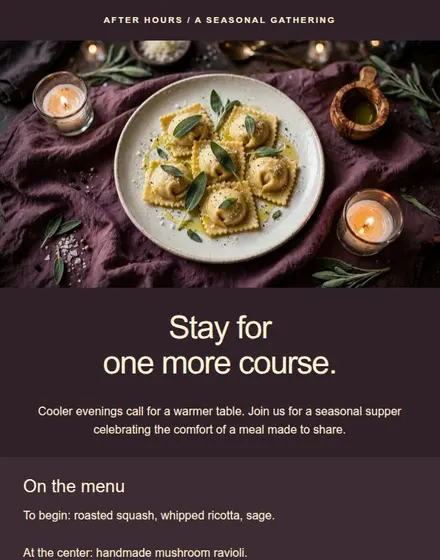
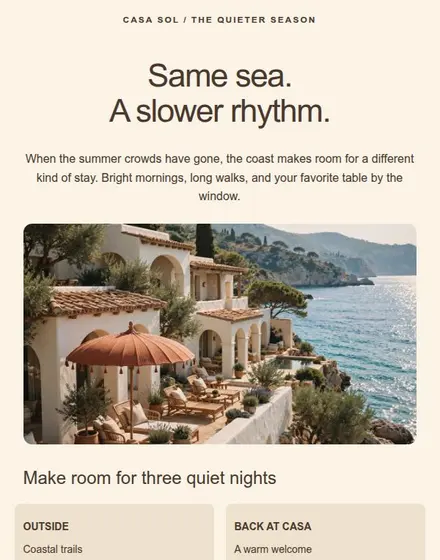
Change the layout without code.
Add text, images, buttons, and columns. Set your fonts and colors once, then adjust individual sections as needed.
Explore the editorFree email design tool
Build a branded newsletter or promotion once, then reuse the layout. Download or copy each email and send it through your existing email tool.
Save 3 designs and export them free. No credit card required.
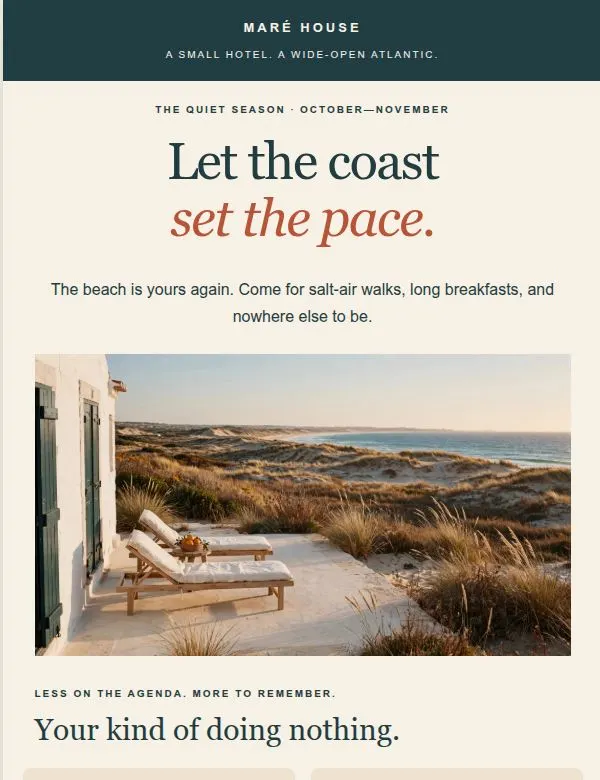
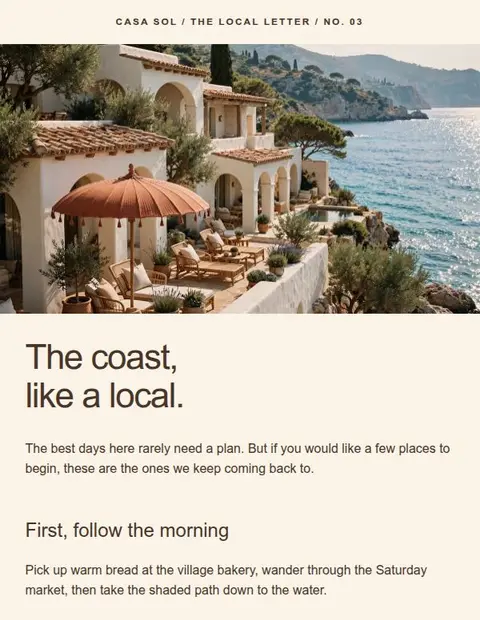
Book a room with a sea view
and join us for breakfast on the terrace.
Color palette
Text alignment
Select the headline or button in the email to edit its text here.
Reloading restores the sample.
Inside the editor
Save your fonts, colors, and layout, then replace the content for your next email. Duplicate a design when you want to keep the previous version.
Add text, images, buttons, and columns. Set your fonts and colors once, then adjust individual sections as needed.
Explore the editorSwitch between desktop and mobile as you design. See how your headings wrap and your columns stack.
Explore responsive designDescribe what you need, choose a tone, and review AI text or images inside the editor. Available on Creator and Pro.
Explore AI tools22+ templates included on Free
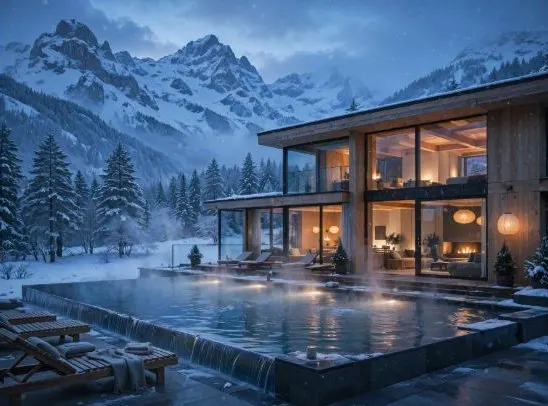
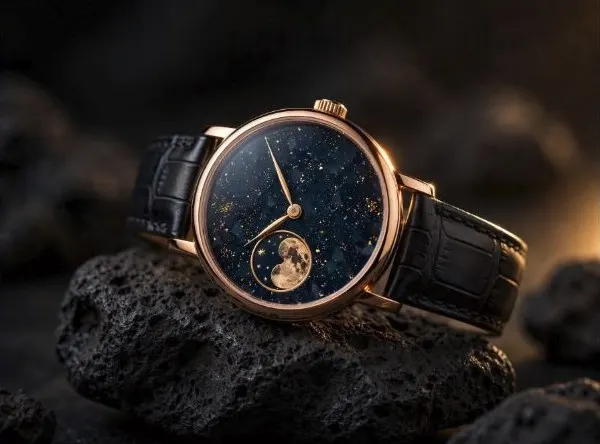
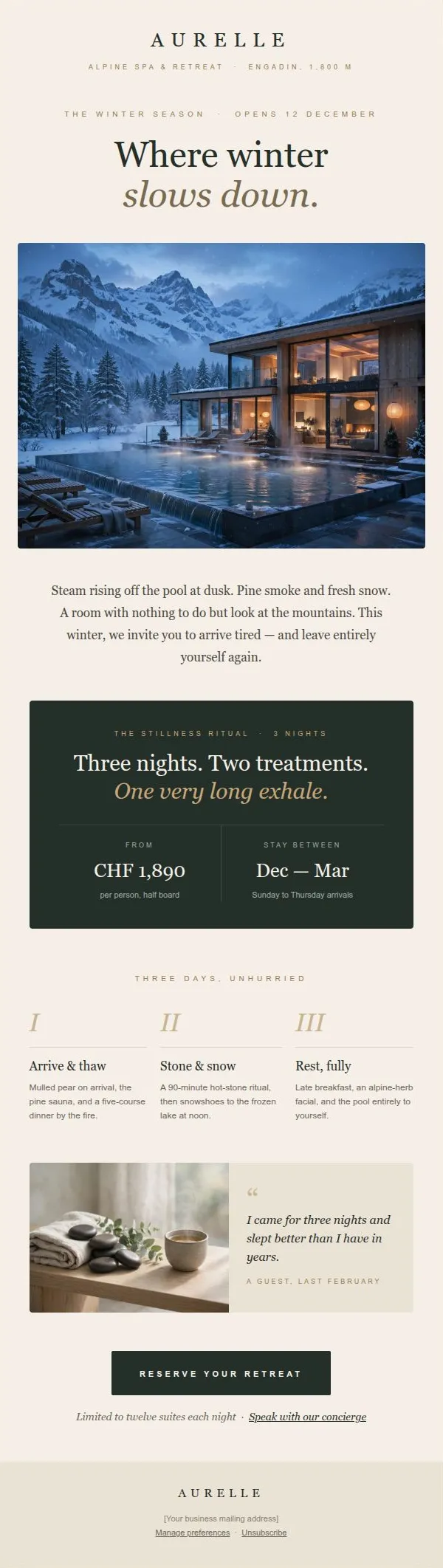
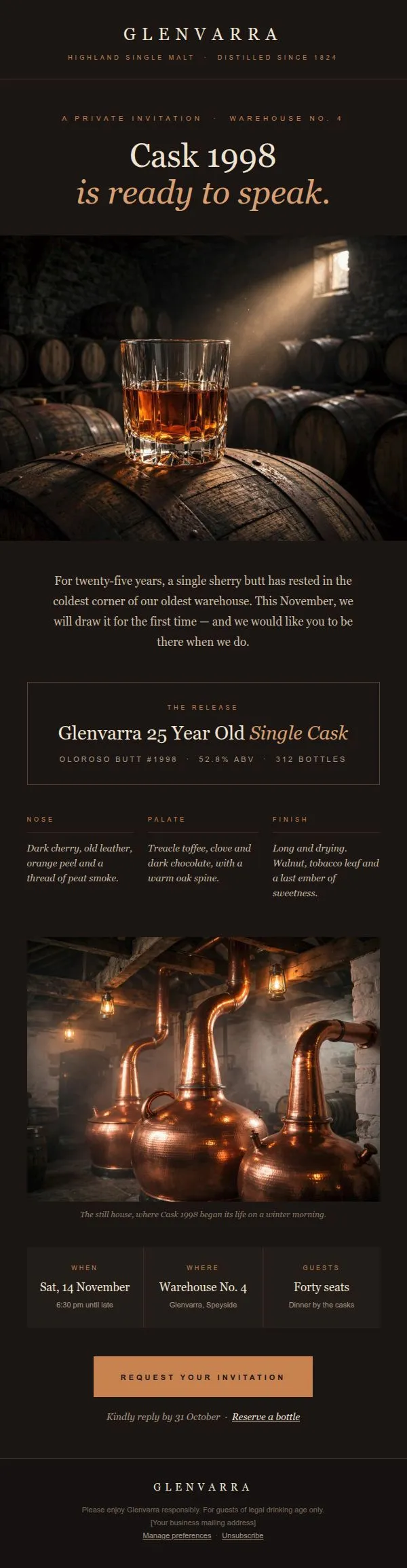
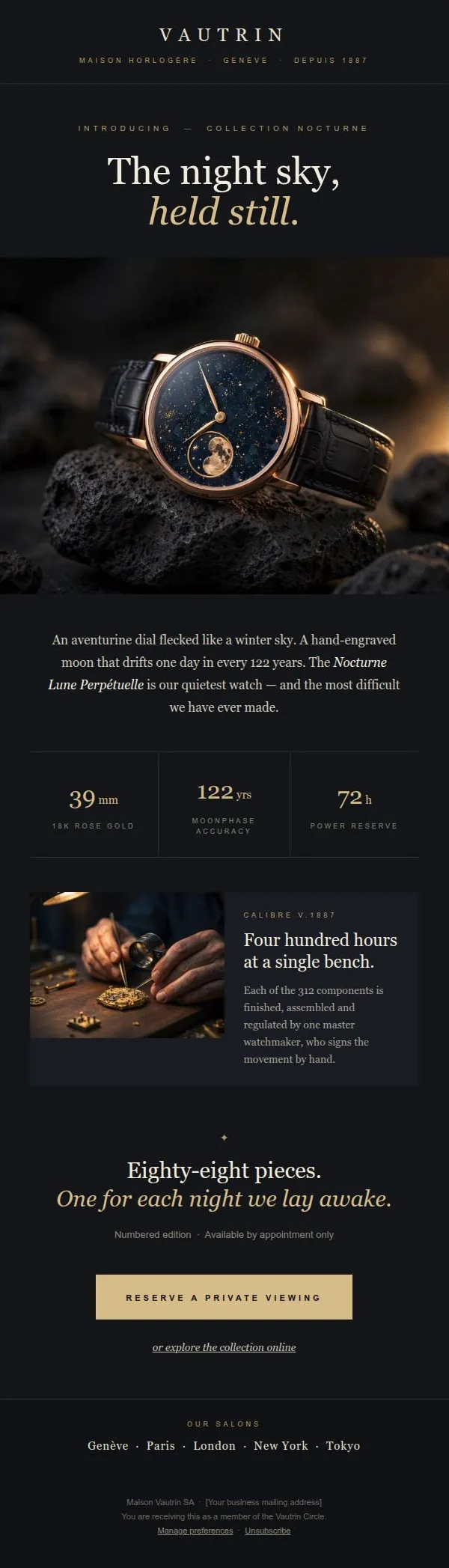
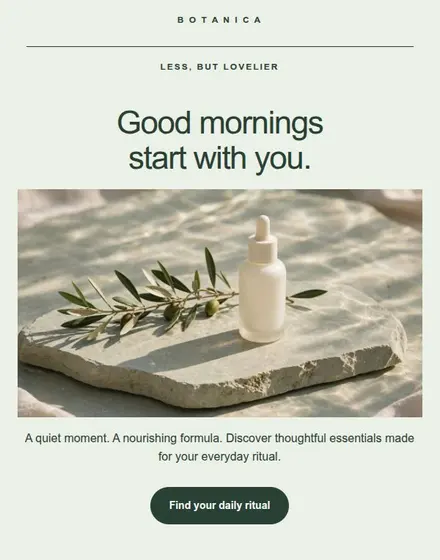
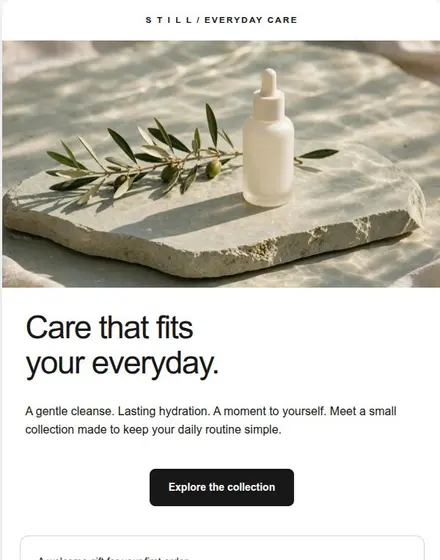
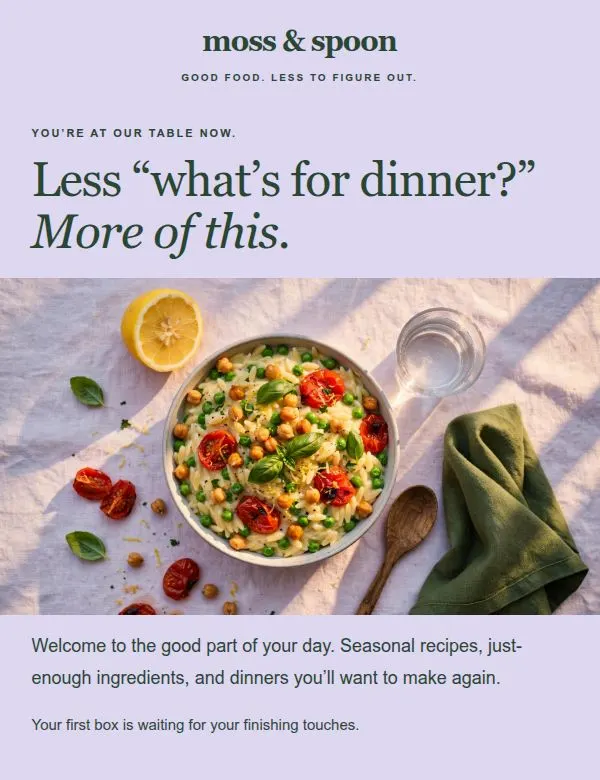
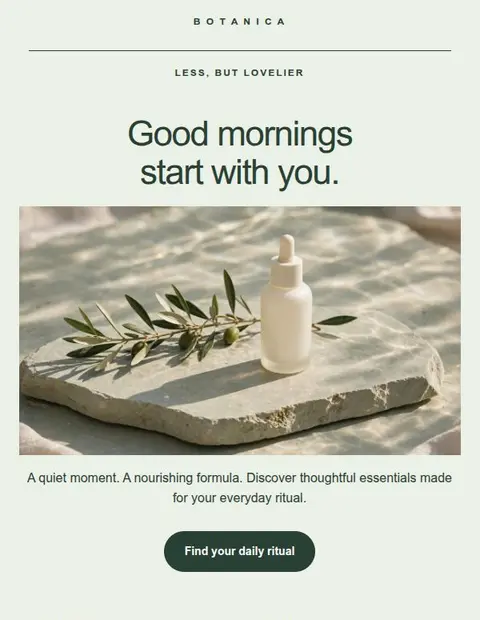
Skincare product offer
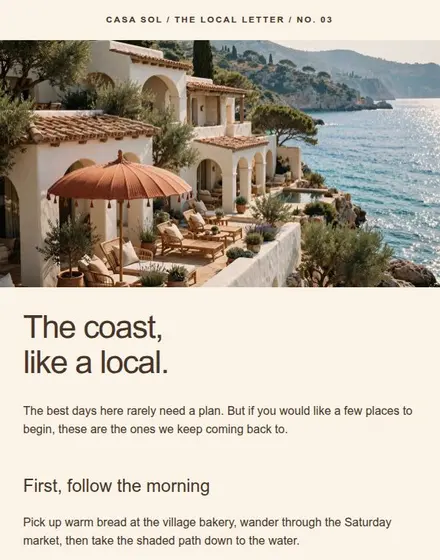
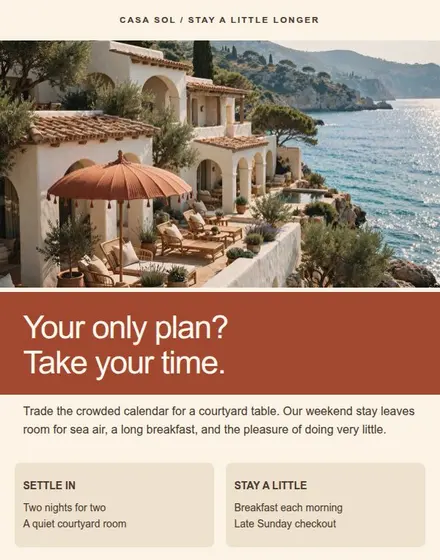
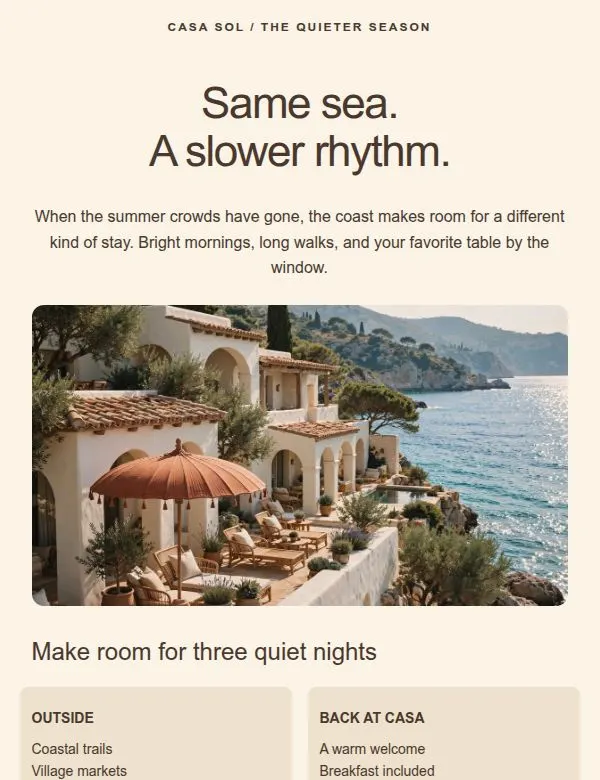
Seaside guesthouse offer
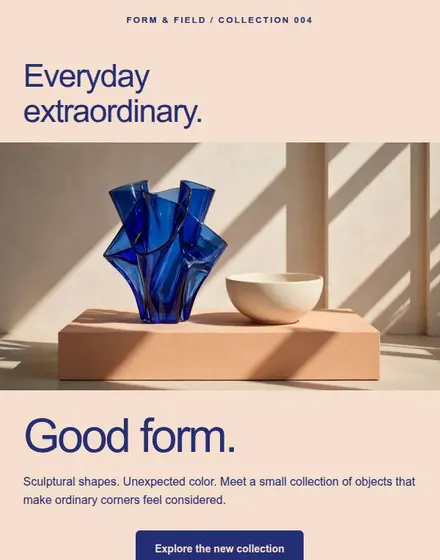
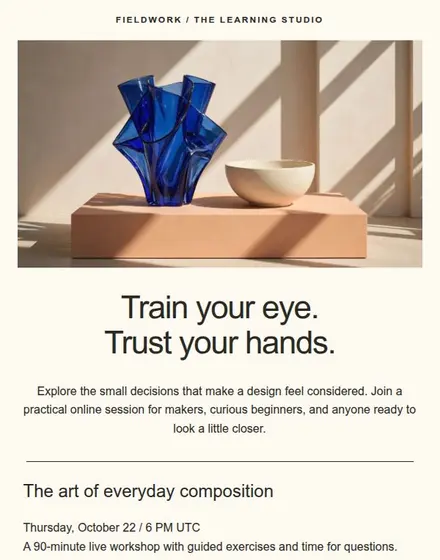
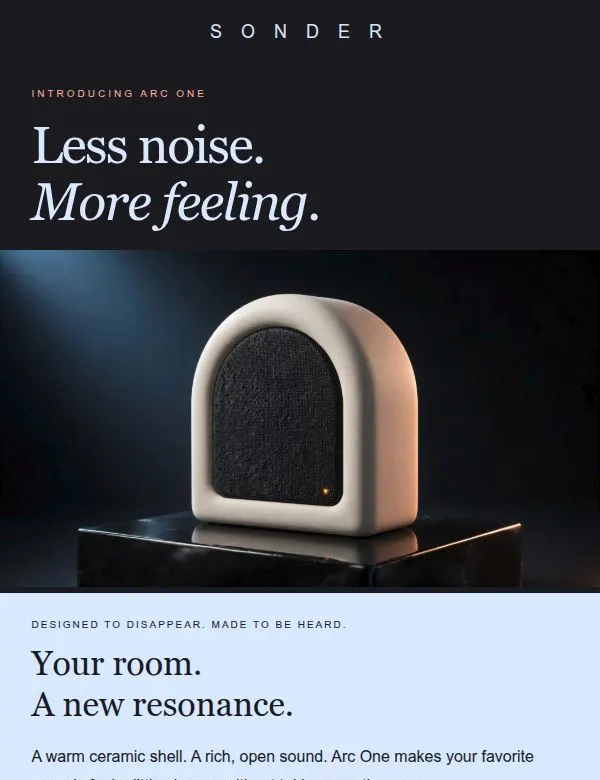
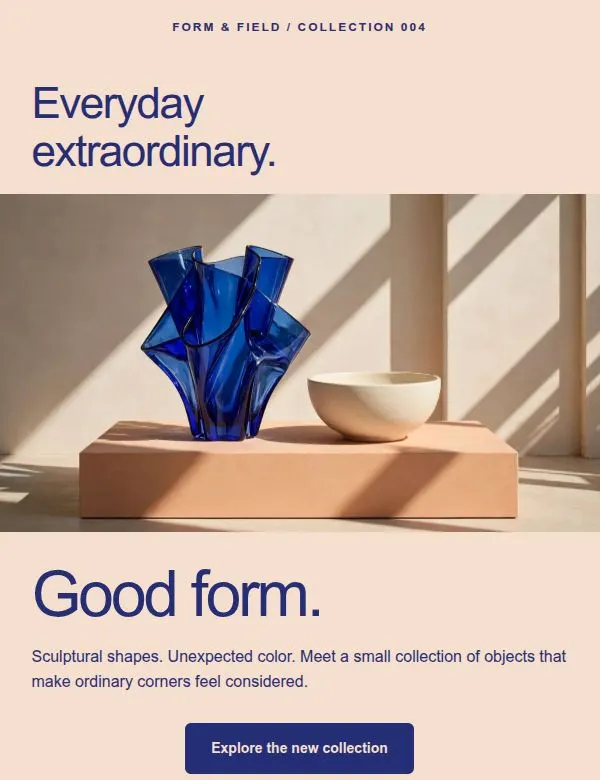
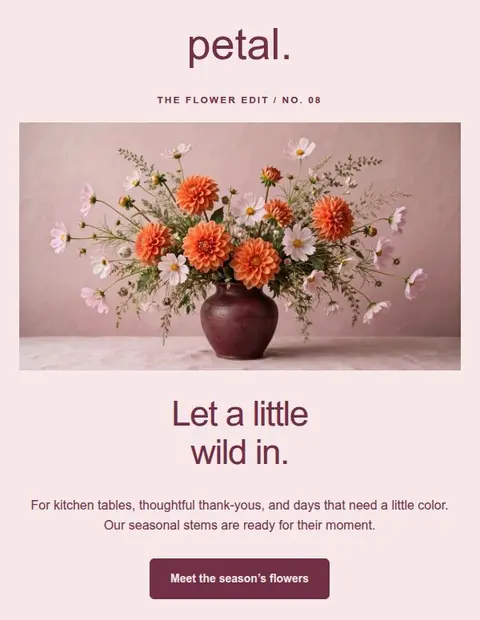
Homeware collection
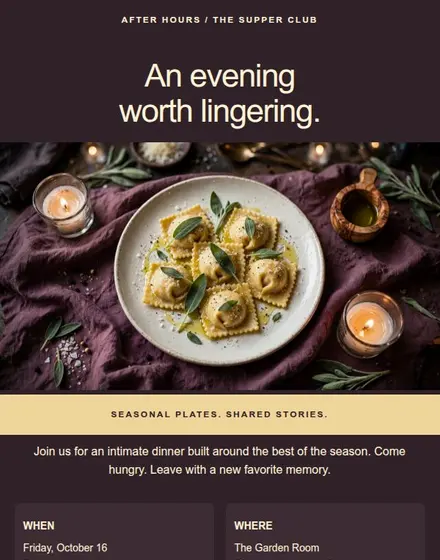
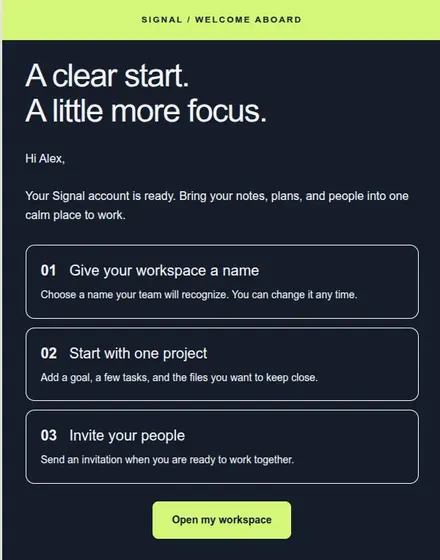
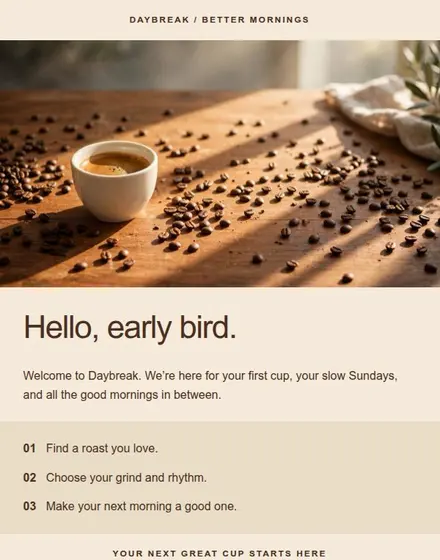
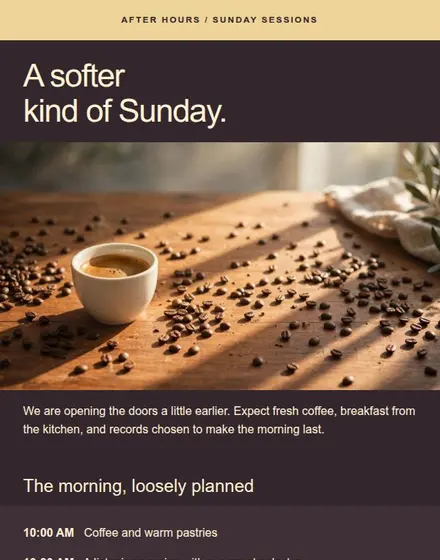
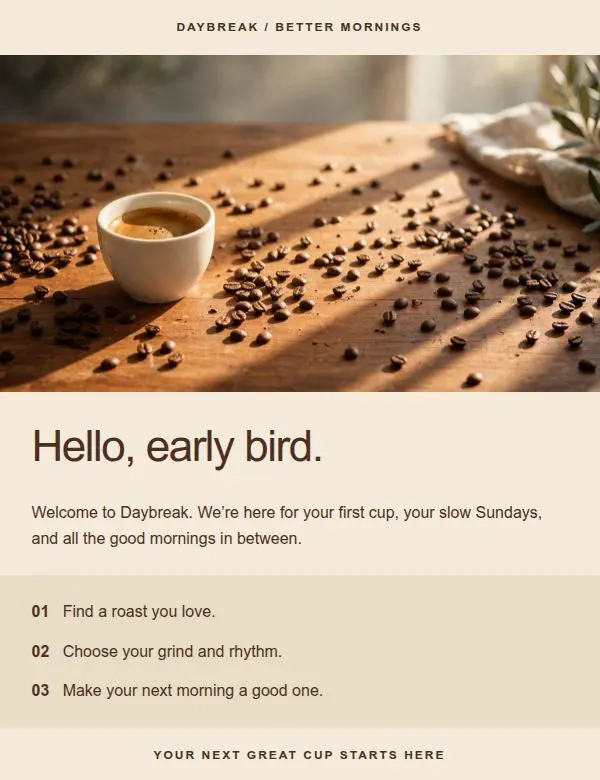
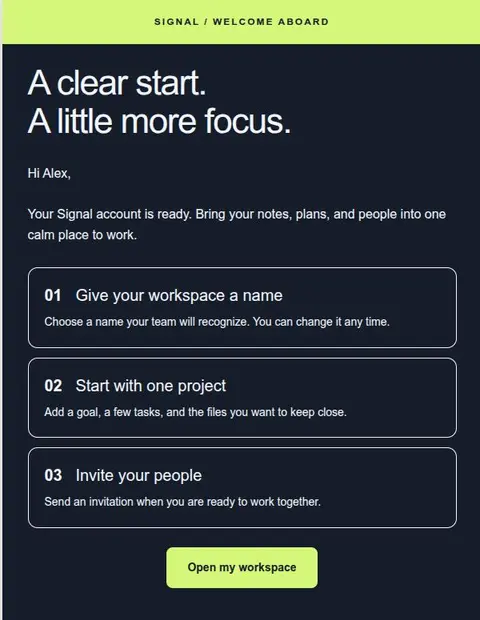
Coffee subscription welcome
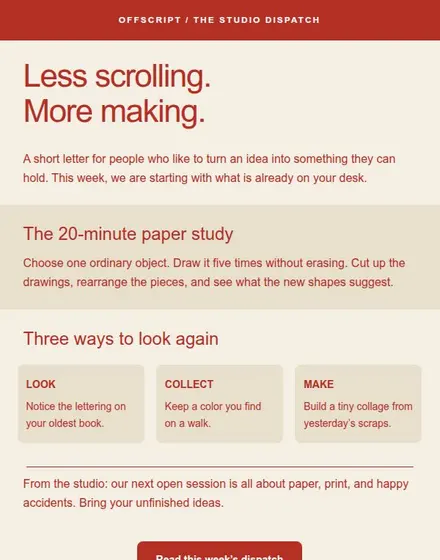
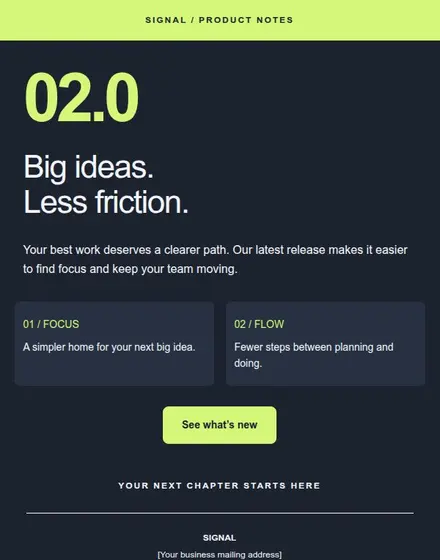
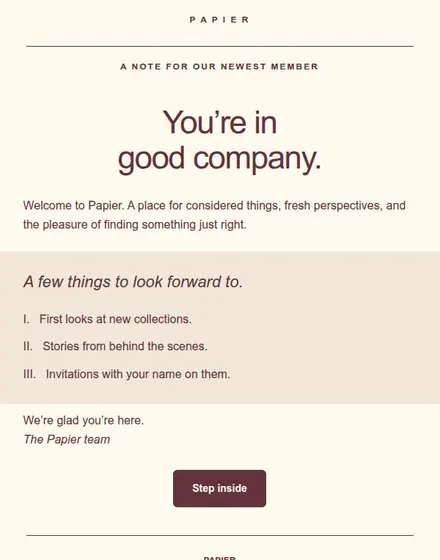
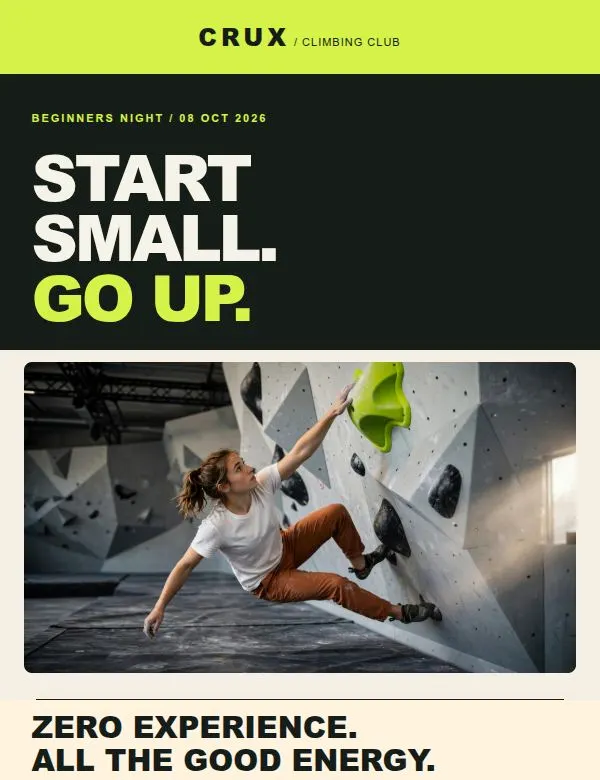
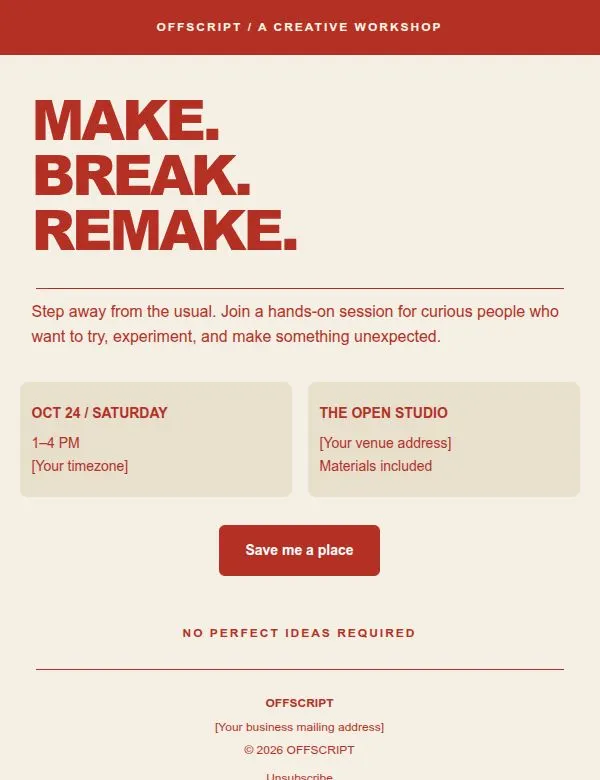
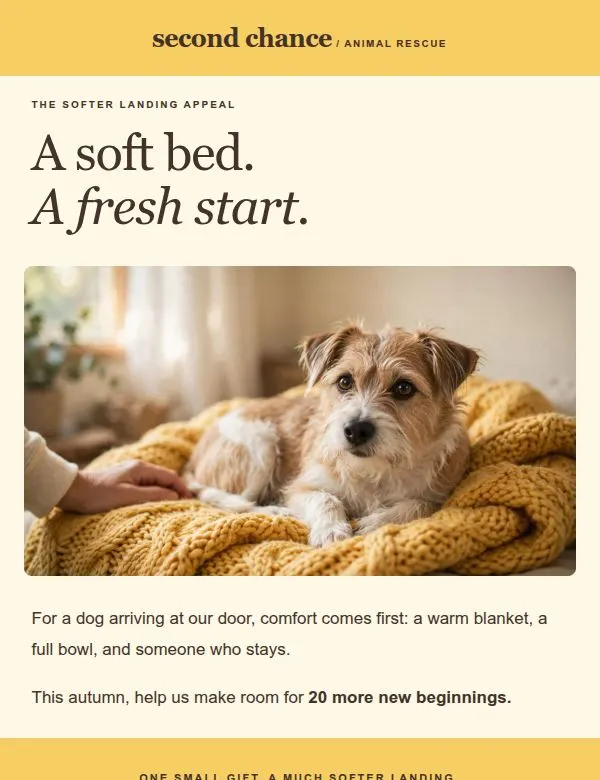
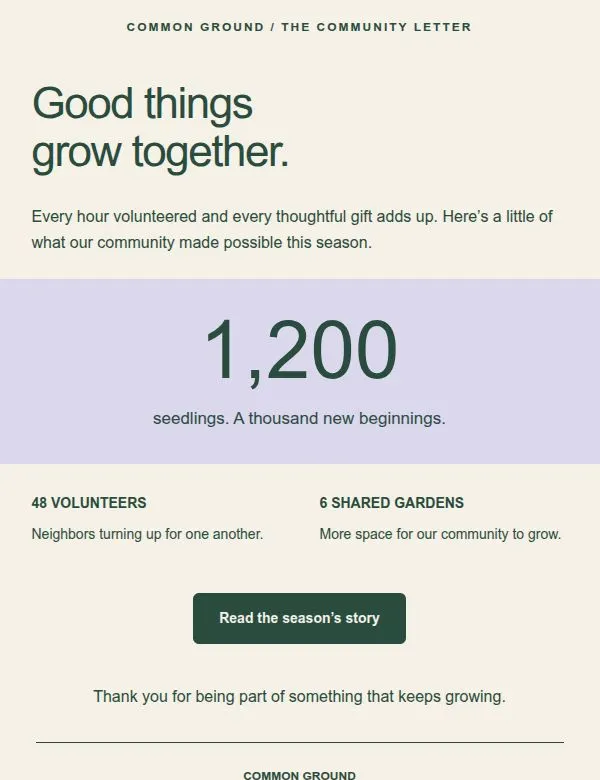
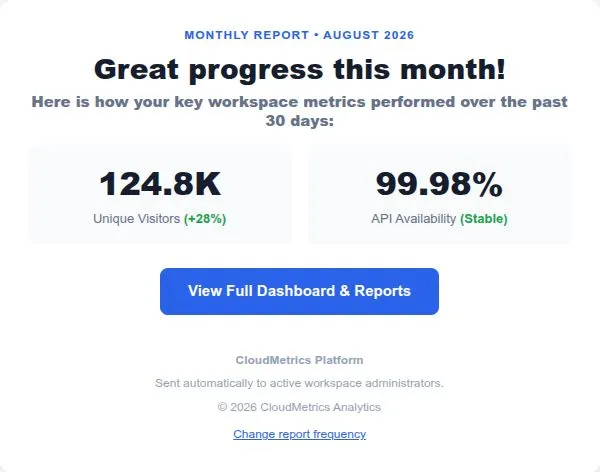
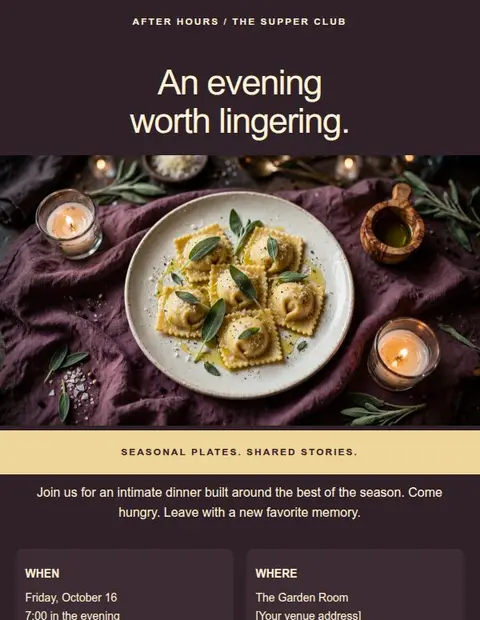
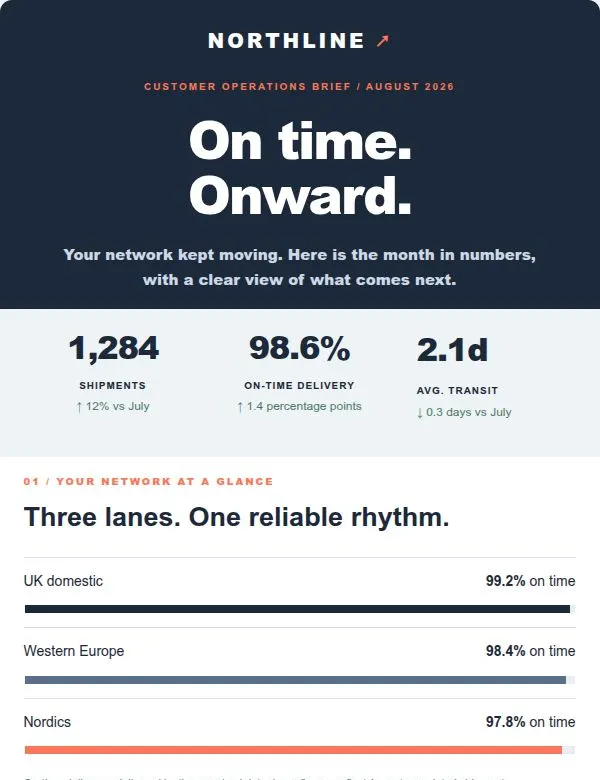
Example designs with fictional brands and content. View the editable templates in your account.
Download or copy your email
Keep your subscribers and sending account where they are. Import an HTML file into a marketing service such as Mailchimp for subscriber campaigns. For individual messages, paste a formatted email into a mail app such as Thunderbird.
The export menu explains how to copy or import your design into each tool. Some services require a paid plan to import HTML.
Check options for your email toolIncluded on every plan
Your sending service handles delivery and subscribers.
The Free plan
Use all the templates, editing tools, and export formats with your own text and images. Free has no time limit. Paid plans add more saved designs and AI tools.
See what the Free plan includesPractical email design guides
Choose a layout, size your text and buttons, and check how columns stack on a phone. Learn what to preview and what to test in a received email.
Read the guideCopy a Lettershape email into Thunderbird or open a downloaded message file. Check formatting, add your subject, and send a test before reusing it.
Read the guideCheck sample text, dates, links, images, and phone layouts before sending a campaign. Use this checklist on the email received in your test inbox.
Read the guideFrequently asked questions
Lettershape is an email design tool for businesses, marketers, and people creating emails for clients. Arrange the layout without code, add your content, and download or copy the email to send through your existing email tool.
Create and reuse up to 3 email designs, choose from all 22+ templates, and use every download and copy option. Create an account and verify your email address to start. Free has no time limit and needs no credit card.
No. Download or copy the design and send it through your email marketing service, which handles subscribers, scheduling, unsubscribe requests, and campaign results. You can also paste individual messages into a mail app.
Creator and Pro can draft text and generate images inside the editor. You choose what to keep and arrange the layout yourself. AI does not currently create a whole email from one prompt.
Yes. Use the templates for your own business or client projects. Replace the example branding, content, links, and footer details with the information for that business.
Yes, if it accepts imported HTML or pasted formatted emails. The export menu includes instructions for Mailchimp, Brevo, Klaviyo, Gmail, Outlook, Apple Mail, and Thunderbird. Transfers are manual, and some sending services require a paid plan for HTML imports.
Start with the Free plan
Create an account, verify your email address, and choose a template to edit.
Create a free accountSave up to 3 designs. No credit card required.