Free
Start here$0forever
Create and reuse up to 3 email designs.
Create a free account- 3 saved designs you can edit and export
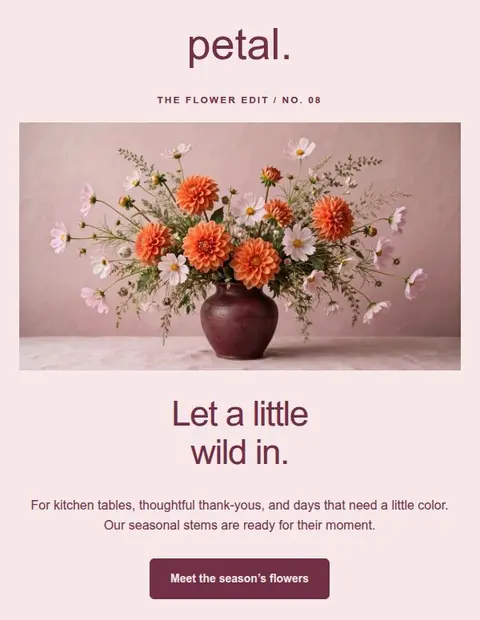
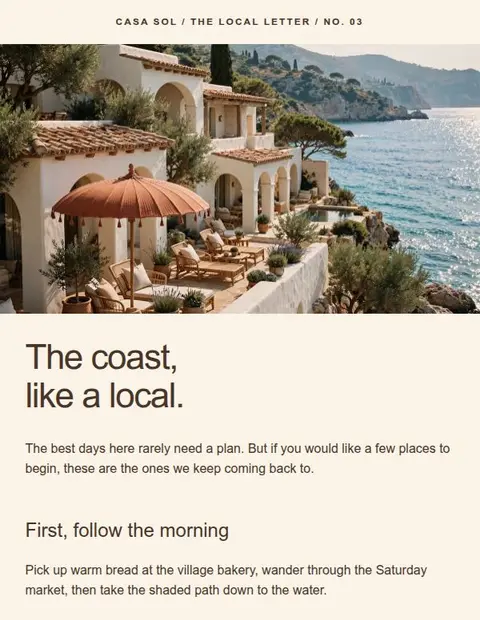
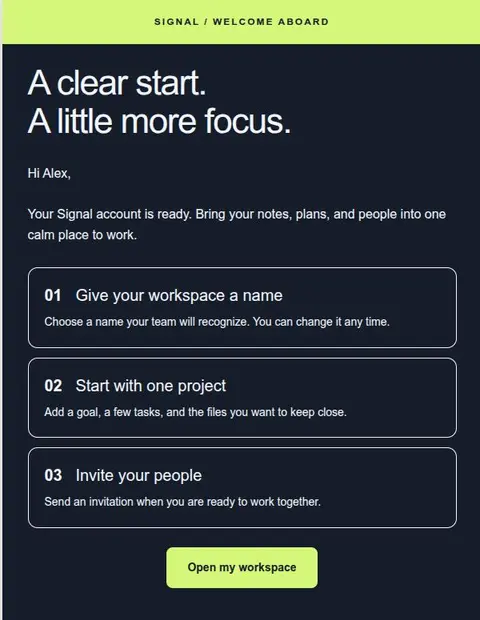
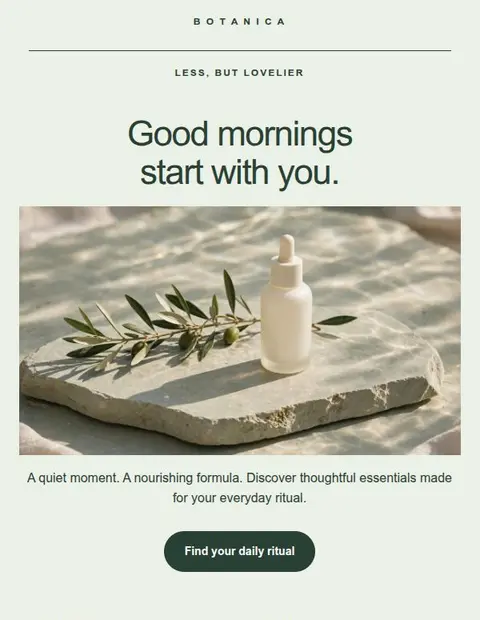
- All 55+ email templates
- 11 visual content blocks
- HTML downloads, formatted copy & message files
- Your own images and copy
Free, Creator, and Pro
Every plan includes the editor, all 55+ templates, and every export format. Choose a paid plan if you need more saved designs or AI text and images.
$0forever
Create and reuse up to 3 email designs.
Create a free account$10USD / month
Keep up to 50 designs and add AI tools.
Sign in to choose Creator$20USD / month
Keep up to 200 designs with higher AI limits.
Sign in to choose ProPrices are in USD per month. Paid subscriptions are processed by PayPal. Free requires no credit card. A saved design is called a project in the app. You can edit and export it repeatedly. New here? Create a free account first, then choose your plan in Plan & billing. AI allowances renew after payment each month. Unused generations do not carry over. There is also a monthly limit on the cost of AI requests. Reaching it stops generation until your next confirmed monthly payment, even if you have drafts or images left.
| What is included | Free$0 / month | Creator$10 / month | Pro$20 / month |
|---|---|---|---|
| Designs you can edit and export | 3 | 50 | 200 |
| Visual editor & 55+ templates | Included | Included | Included |
| All download and copy options | Included | Included | Included |
| Desktop and mobile previews | Included | Included | Included |
| AI text drafts per monthly payment | Not included | Up to 150 | Up to 300 |
| AI images per monthly payment | Not included | Up to 50 | Up to 100 |
| Recent AI image gallery | Not included | 100 images | 200 images |
| Email sending & campaign analytics | Not included | Not included | Not included |
Yes. The monthly AI cost limit can stop both text and image generation before you use all your drafts or images. Access renews after your next confirmed monthly payment. You may also need to wait briefly if you make requests too quickly or a previous request is still being checked. Follow the message in your account or contact support for help.
A completed draft or image counts even if you don’t use it. A failed request does not use a draft or image from your allowance, but its cost may count toward the monthly AI cost limit. Adding a draft to your email does not use another generation.
AI allowances renew when Lettershape confirms your monthly payment. They do not reset on the first day of the calendar month, and unused generations do not carry over. Check Plan & billing in your account for your current usage. Saved-design limits are separate and do not reset each month.
Cancel in Plan & billing to stop the next renewal. You keep paid access until the end date shown in your account, then return to Free. If you have already paid for a replacement subscription, its access continues. Cancelling does not delete designs or hosted images and does not automatically refund a payment.
Yes. Cancel the current subscription, then choose Pro in Plan & billing. The new plan charges its full $20 monthly price immediately, even if you have time left on Creator. There is no automatic credit for that remaining time. Once payment is confirmed, you get a fresh Pro AI allowance; unused Creator generations do not carry over.
Your designs stay saved. If you have more than your new limit, choose which to keep editable before creating, editing, or exporting: 3 on Free, 50 on Creator, or 200 on Pro. The others go into a view-only archive and need an upgrade to edit or export again. Your choice stays fixed until your plan’s project limit changes. Deleting an editable design makes room for a new one, but does not let you swap in an archived design.
No. Every plan includes HTML downloads, formatted copy, plain text, and message files. Verify your email address and save your design before exporting. After a downgrade, only the designs you chose to keep editable can be exported. Previously downloaded files remain yours to use.
Start with the Free plan
Create an account, verify your email address, and choose a template to edit.
Save up to 3 designs. No credit card required.