Visual email builder
Build a branded email without writing code.
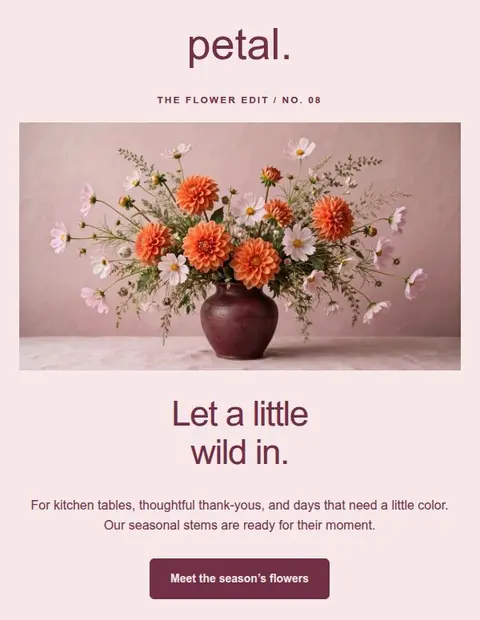
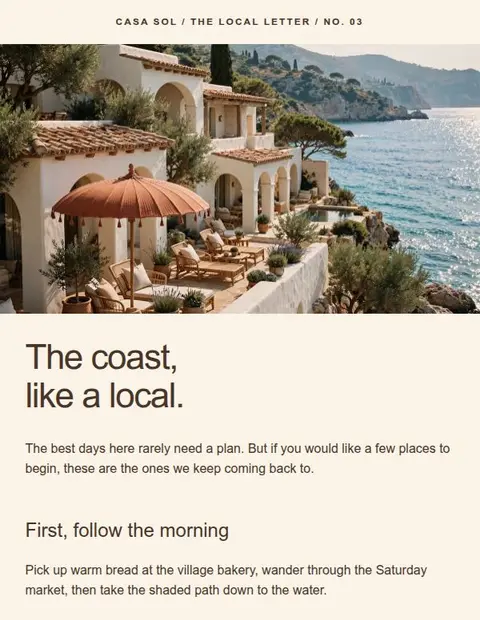
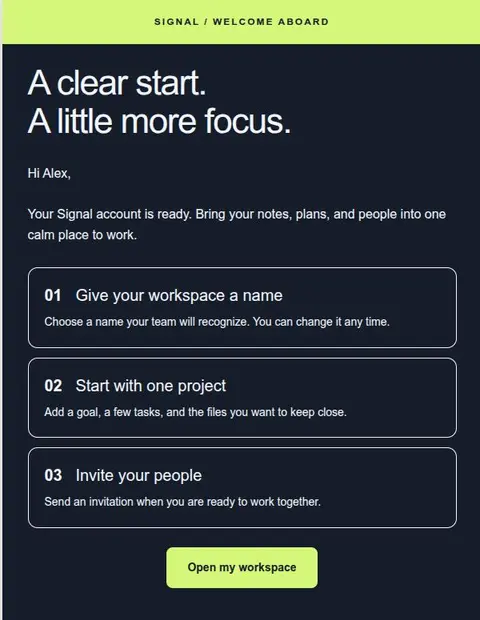
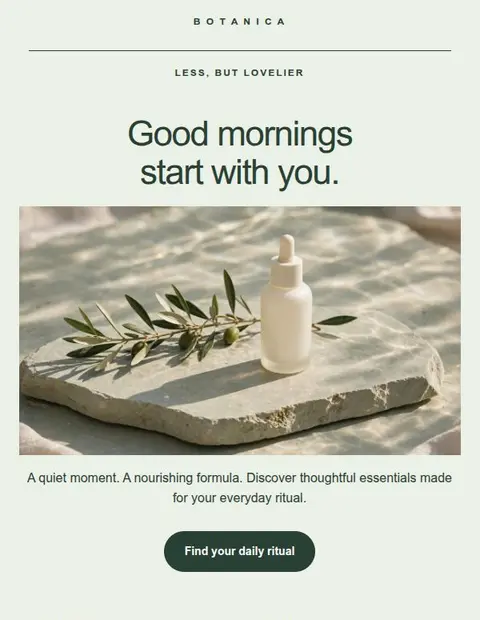
Arrange text, images, and buttons to create an email that fits your business. Start with a template, change the styling, and download your design.
Included on Free. 3 saved designs, no credit card.
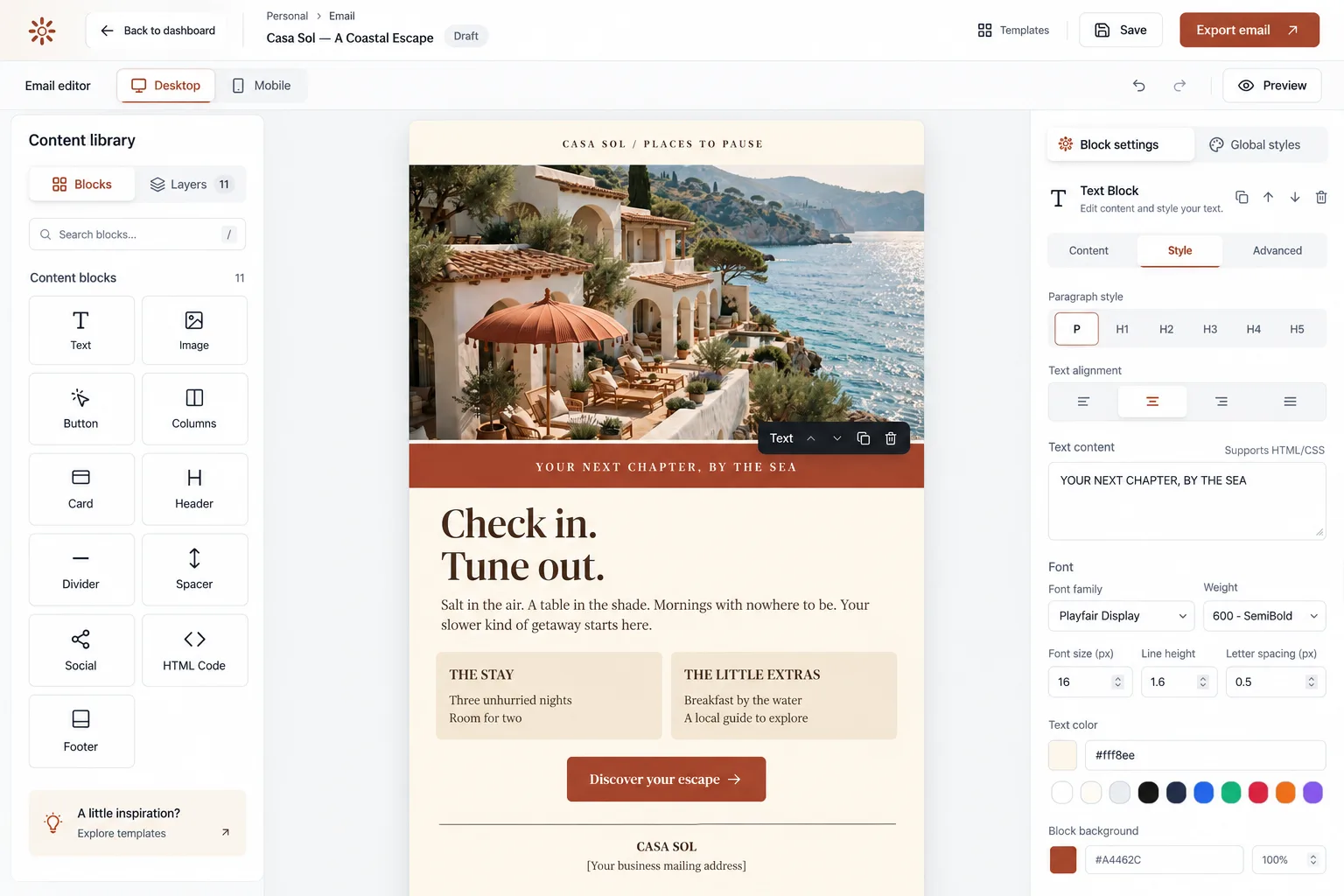
How it works
Change the layout without code.
Add text, images, buttons, and columns. Set your fonts and colors once, then adjust individual sections as needed.
Try it free- 01
Start with a template or a blank email.
Choose from 55+ templates, then add or remove sections to fit your message. The editor has 11 types of content block, including text, images, buttons, columns, and footers. Move sections into order or duplicate one to reuse its layout.
- 02
Format your copy as you write.
Select a text block to add headings, links, lists, or quotes. You can use the same controls inside columns. If you prefer working with code, switch the text editor to HTML & CSS.
- 03
Keep a consistent look across the email.
Use Global Styles to set fonts, colors, and the overall layout. Change the background, alignment, and spacing of individual sections where needed. Upload your logo and photos as JPEG, PNG, or WebP files, or link to images on your website.
- 04
Reuse a design for your next newsletter.
Reopen a saved email and replace its stories, or duplicate it to keep the previous version. Your fonts, colors, and layout are already in place. Click Save before leaving the editor. Changes aren’t saved automatically.
More inside the editor
Do I need to know HTML?
No. You can build and format the email using visual controls. HTML & CSS editing and a custom HTML block are also available if you want to use code.
Can I create emails for my business or clients?
Yes. You can create and export emails for your business or clients. Designs are saved in your own account. Team accounts and editing together are not currently available.
How do I start?
Create a free account at create.lettershape.com and verify your email address. Then choose a template or a blank email from your dashboard.
Start with the Free plan
Create and download your first email for free.
Create an account, verify your email address, and choose a template to edit.
Save up to 3 designs. No credit card required.