Mailchimp instructions
Design your email here and import it into Mailchimp.
Build the layout in Lettershape, download the HTML file, and import it into Mailchimp. Your audience and campaign sending stay in Mailchimp.
- HTML file or sourceMailchimp, Brevo, Klaviyo
- Copy with formattingGmail, Outlook, Apple Mail, Thunderbird
- Plain textAny email app
- Message file (EML)Open in Thunderbird, then Edit as New
Design and download free in Lettershape. You need a Mailchimp plan that allows custom HTML imports. Imported designs do not become Mailchimp drag-and-drop blocks.
- 1
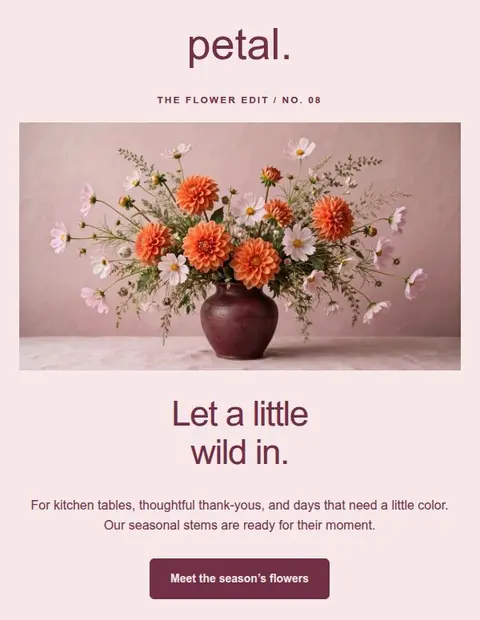
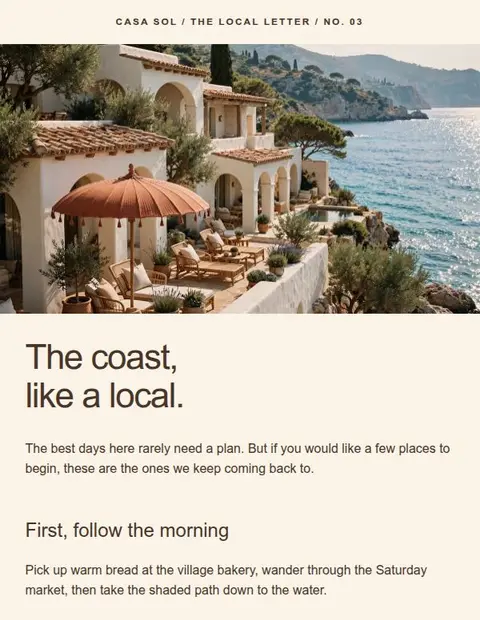
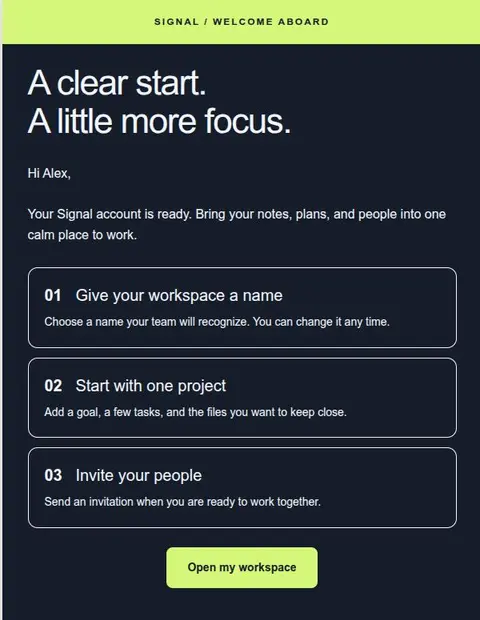
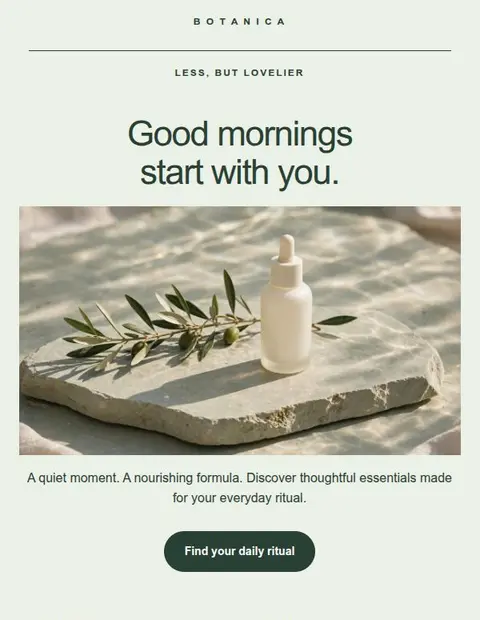
Build the campaign layout visually.
Choose a template and replace the example content with your text and images. Set your fonts, colors, and spacing, then check the desktop and phone views. You can keep the project to reuse for later campaigns or another sending service.
- 2
Save and download your HTML.
Click Save, then open Export email. Select Sending services and choose Mailchimp for the HTML download and import instructions. Lettershape writes the code for your design.
- 3
Import the file in Mailchimp.
Use Mailchimp's custom-code template import option and upload the HTML file. Preview the result there. Check Mailchimp's current guide below for the menu steps and plans that support this option.
Read Mailchimp's HTML import guide - 4
Set up the footer and personalization.
Add your sender details, mailing address, and Mailchimp's unsubscribe link. To insert subscriber details such as a first name, use Mailchimp's merge tags. Lettershape does not add these for you. Test with a contact whose name is missing to check the fallback greeting.
- 5
Test the imported email before sending.
Send yourself a test from Mailchimp and check the links, images, phone layout, and footer. For layout changes, return to Lettershape, save, and download a fresh file to import.
Use the pre-send checklist
What can I do for free?
Lettershape Free includes all templates, 3 saved designs, and HTML downloads. Mailchimp has separate pricing and may require a paid plan for custom HTML imports.
Will the imported template use Mailchimp drag-and-drop blocks?
No. Mailchimp receives an HTML file, so you cannot rearrange it using Mailchimp’s drag-and-drop blocks. Make layout changes in Lettershape and import a new file, or edit the code in Mailchimp if your editor allows it.
Can I use the same design with another platform?
Yes, if the service accepts HTML email imports. Lettershape has instructions for Brevo and Klaviyo too. Replace Mailchimp’s subscriber and footer tags with the ones required by the new service.
Start with the Free plan
Your next Mailchimp campaign, designed free.
Create an account, verify your email address, and choose a template to edit.
Save up to 3 designs. No credit card required.