Welcome email templates

Help new subscribers and customers get started.

Customize a welcome email for a new subscriber, member, or account holder. Explain what they signed up for and link to their first step.

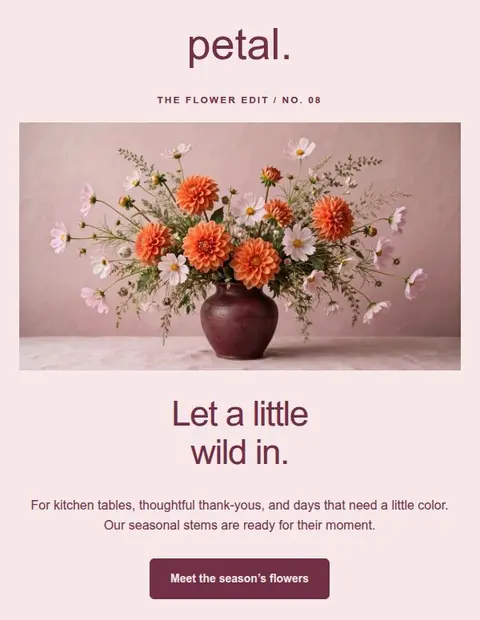
Daybreak

Coffee subscription welcome

EXAMPLE DESIGN

Coffee subscription welcome

Daybreak

Welcome a new coffee subscriber and explain how to arrange their first delivery.

Customize it in your account.

  • Replace the sample brand, copy, and images.
  • Set your button destination and footer links.
  • Check the desktop and phone views, then save your design.
View templates in the appExplore this category

Fictional example. All templates are included on Free. Sign in or create an account, then find Daybreak in the full template library.

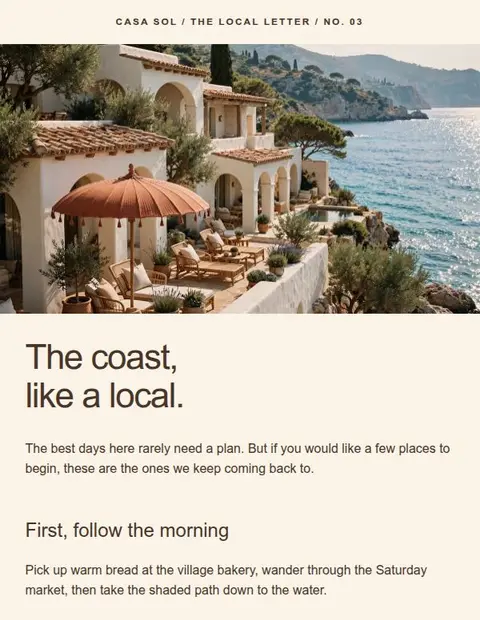
Papier

Membership welcome

EXAMPLE DESIGN

Membership welcome

Papier

Welcome new club members with a link to their member resources and upcoming sessions.

Customize it in your account.

  • Replace the sample brand, copy, and images.
  • Set your button destination and footer links.
  • Check the desktop and phone views, then save your design.
View templates in the appExplore this category

Fictional example. All templates are included on Free. Sign in or create an account, then find Papier in the full template library.

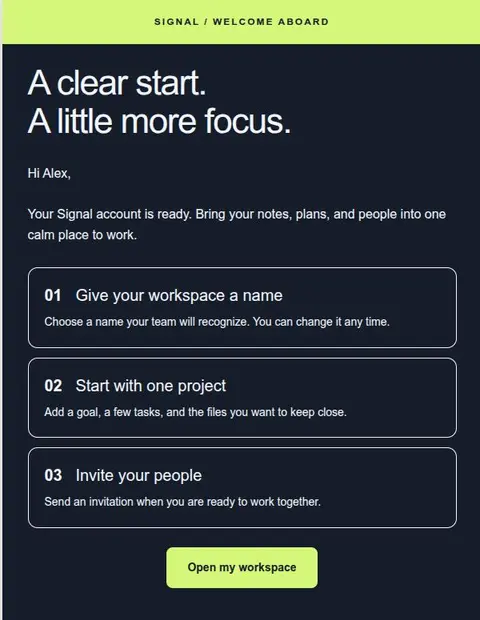
Get Started Fast

Welcome & onboarding

EXAMPLE DESIGN

Welcome & onboarding

Get Started Fast

Help new account holders complete their first task with a short explanation and a direct link.

Customize it in your account.

  • Replace the sample brand, copy, and images.
  • Set your button destination and footer links.
  • Check the desktop and phone views, then save your design.
View templates in the appExplore this category

Fictional example. All templates are included on Free. Sign in or create an account, then find Get Started Fast in the full template library.

Example designs with fictional content, not app screenshots. Sign in to preview and edit the templates. Replace the sample details before sending.

Tell the reader what to do after signing up.

Thank them for joining and explain what happens next. A coffee subscriber might choose a delivery date; a new software customer might create their first project. Keep that action easy to find, with a contact link for anyone who needs help.

Tips for this type of email

  • Explain why the recipient is receiving this email.
  • Choose one first action instead of showing every feature.
  • Set expectations for what comes next and how to get help.
Read the design guide

Start with the Free plan

Create and download
your first email for free.

Create an account, verify your email address, and choose a template to edit.

Create a free accountSave up to 3 designs. No credit card required.